Social E Commerce
Mobile Application
UX Case Study
Product Overview
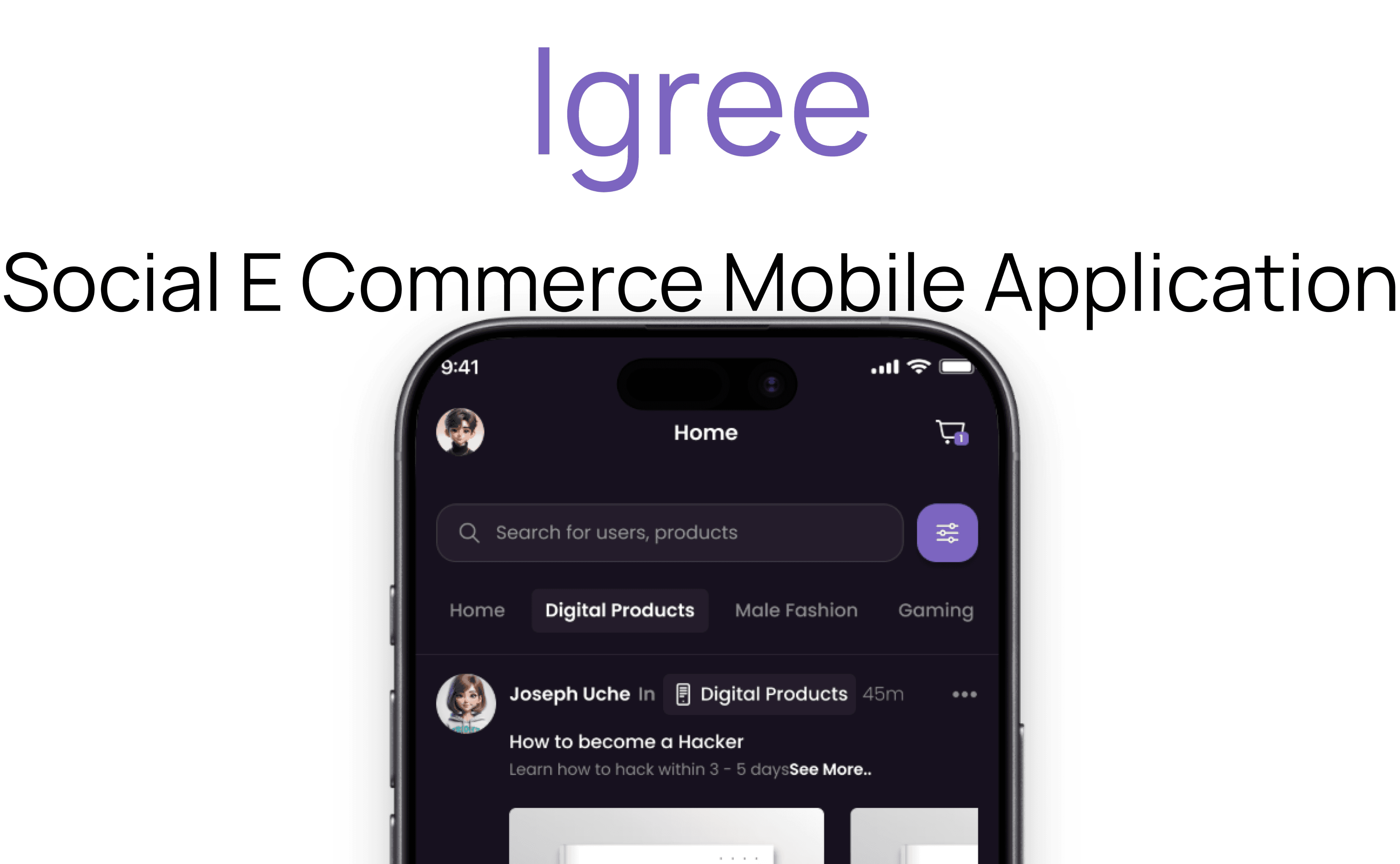
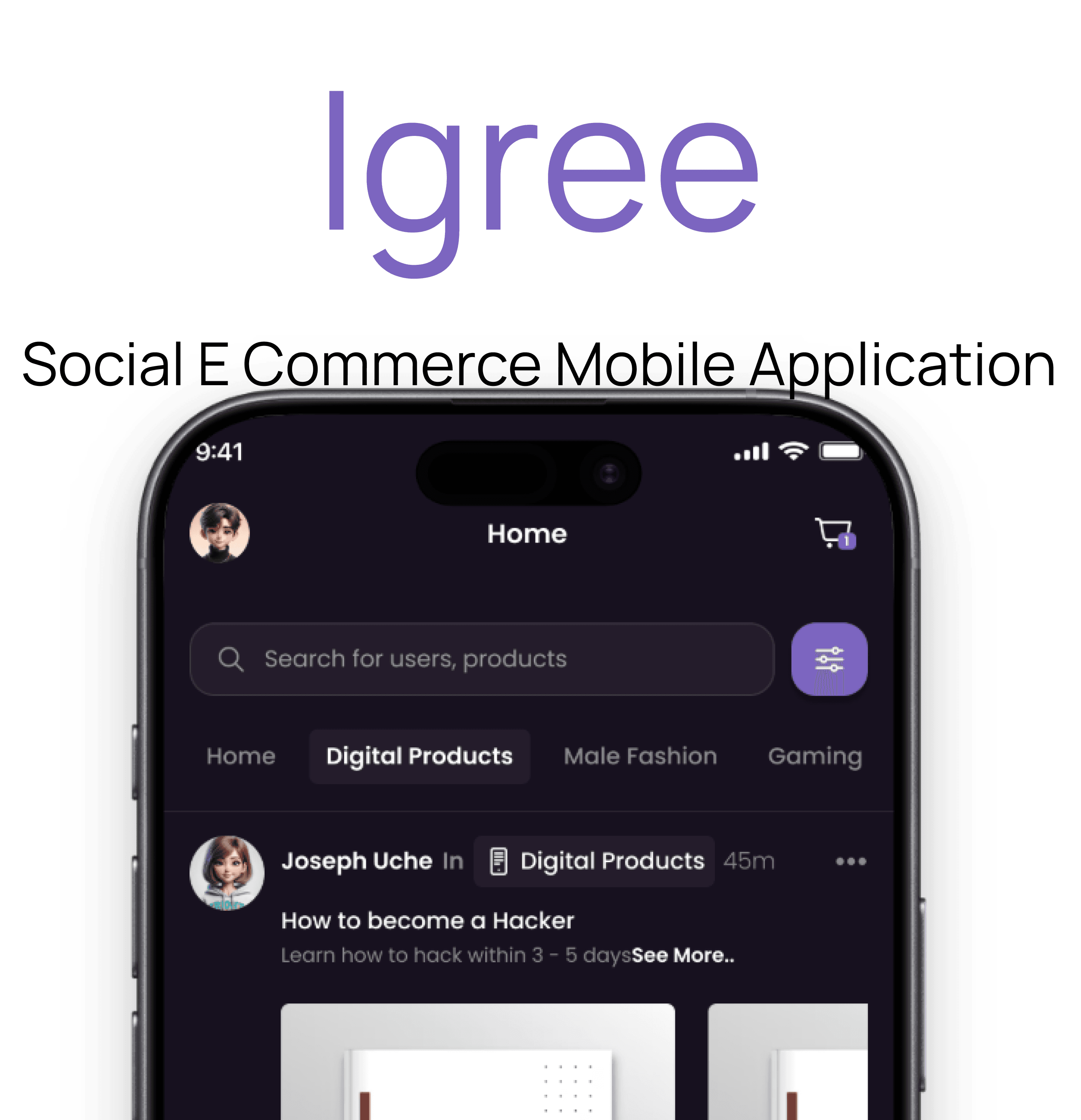
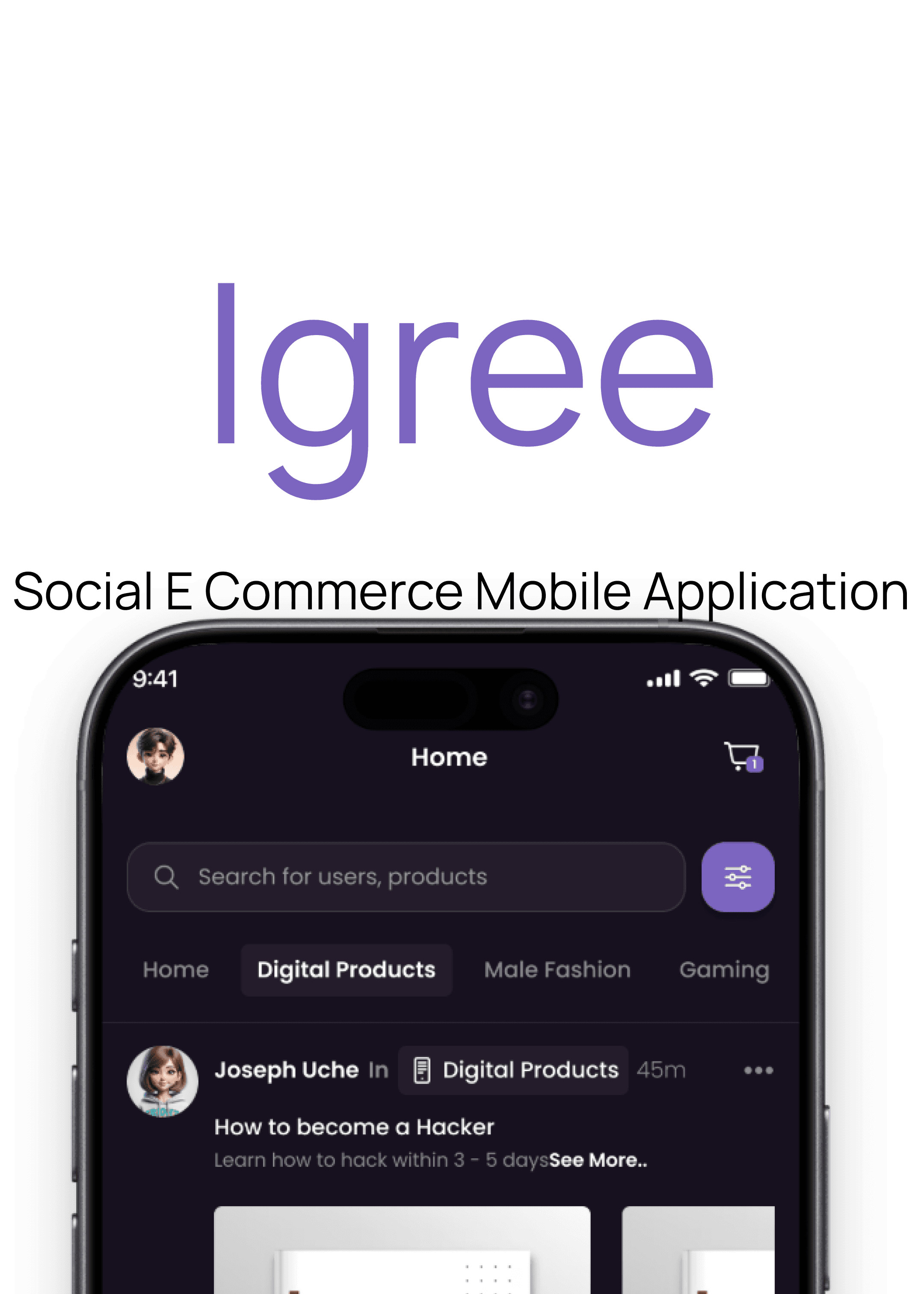
J Vortex sought to create an innovative social media platform integrated with e-commerce capabilities, allowing users to share content, discover products, and make purchases seamlessly within the app. The goal was to create an engaging, user-friendly experience that encourages social interaction and simplifies the shopping process.
Role
UX Researcher
UX UI Designer
Tools
Figma
Deep AI
Client
J Vortex Inc.
Duration
6 Weeks
Problem Statement
Many small and medium vendors find it challenging to use social media effectively for promotion, engagement, and sales due to a lack of integrated social and e-commerce tools. Igree aims to address this by offering a user-friendly app that combines social networking with e-commerce features to help vendors grow their business.
Goal
The goal of Igree is to develop a comprehensive social media e-commerce mobile application that empowers vendors to easily promote their products, engage with customers, and increase sales through seamless integration of social and shopping functionalities, thereby enhancing their online presence and business growth.
Design Process
This process involves understanding user needs and business goals, conducting research, creating wireframes and visual designs, testing with users, iterating based on feedback, and collaborating with development teams to deliver an intuitive, user-centered product.
Target Audience
The target audience for Igree includes tech savvy social media users, online shoppers, young adults aged 18-35, influencers and content creators, and small to medium-sized businesses seeking to leverage social engagement for sales.

Competitive Analysis
Facebook Marketplace
it leverages Facebook’s extensive user base to facilitate peer-to-peer commerce
Features
Broad Reach & User Base: Taps into Facebook’s massive global user community, enabling a wide audience.


Instagram enables brands and creators to showcase products directly on their profiles, stories, and explore pages
Features
Explore & Discover: Products are featured on the Explore page, increasing visibility beyond existing followers.
In-Feed Product Tags: Allows tagging products directly within posts and stories, enabling users to shop without leaving the app.
Unique Features
Mini Shops: Enables users to create and own their own mini shops within the app, allowing for personalized branding and direct selling.
Secure Payment System: Implements a safe payment mechanism that ensures buyers receive exactly what they ordered before the seller gets paid, enhancing trust and reducing scams.
Wallet and Bank Withdrawal System: Users can receive payments directly into their in-app wallet, with the ability to withdraw funds seamlessly to their local bank accounts, providing financial flexibility and security.
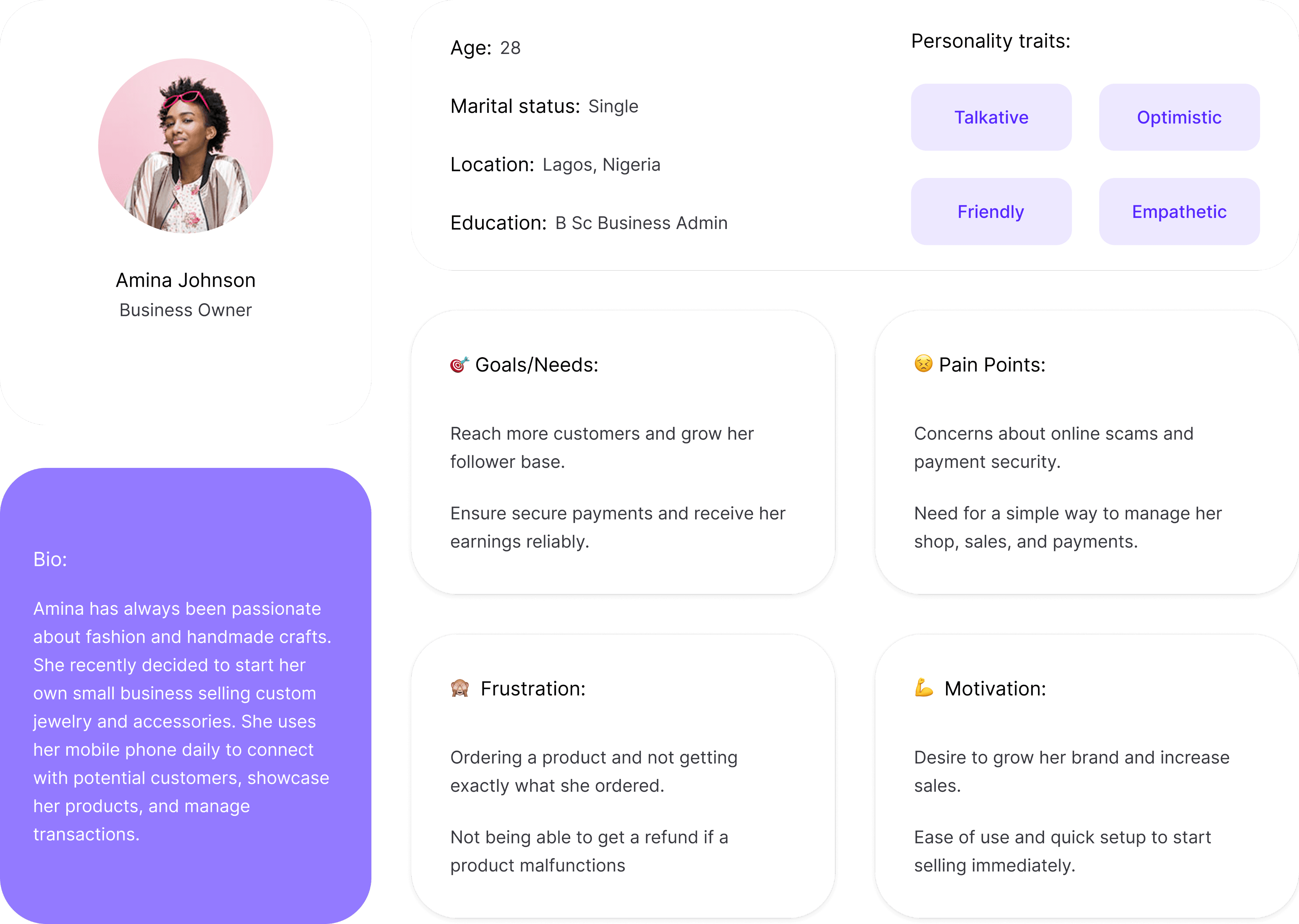
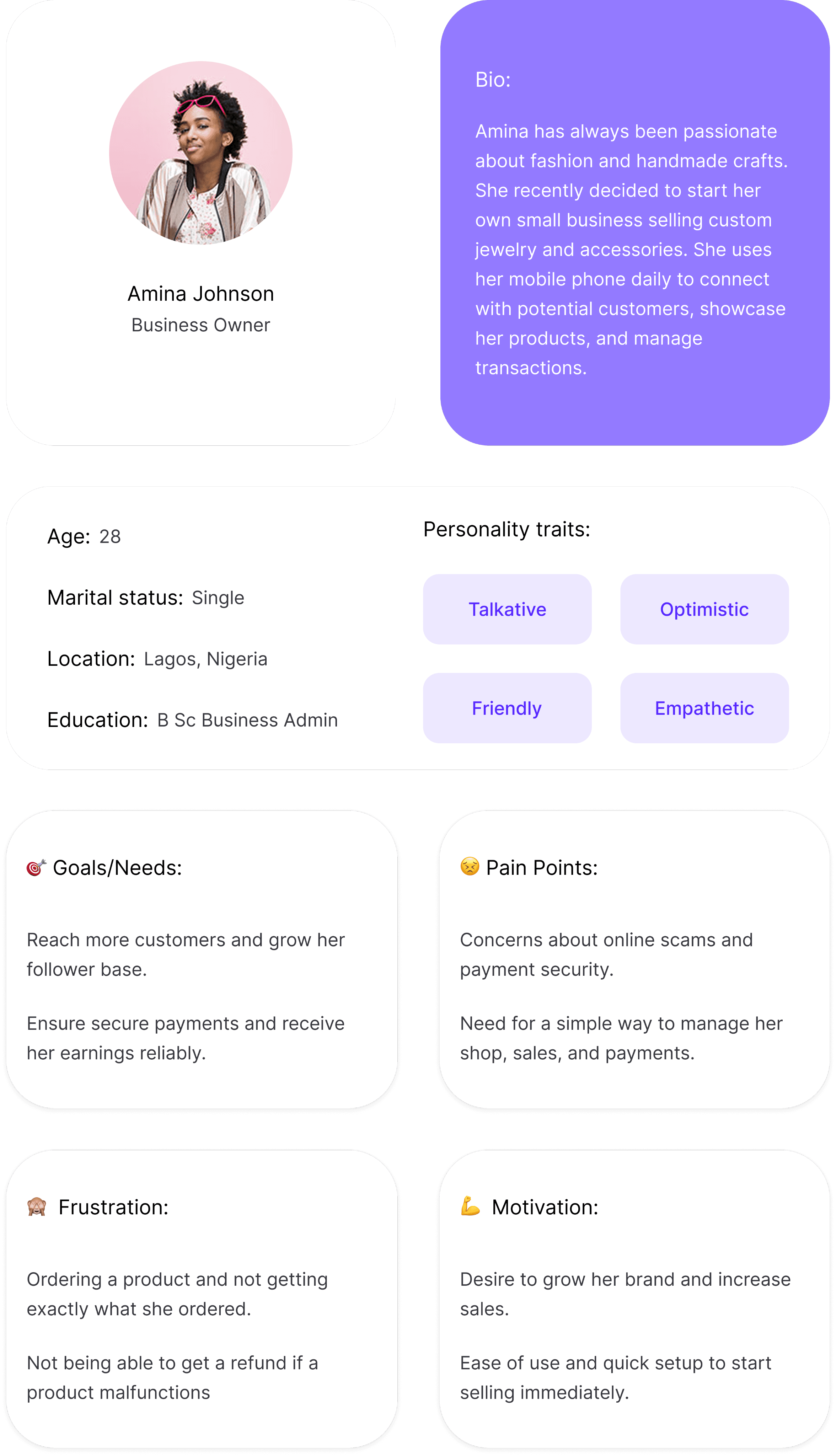
User Persona
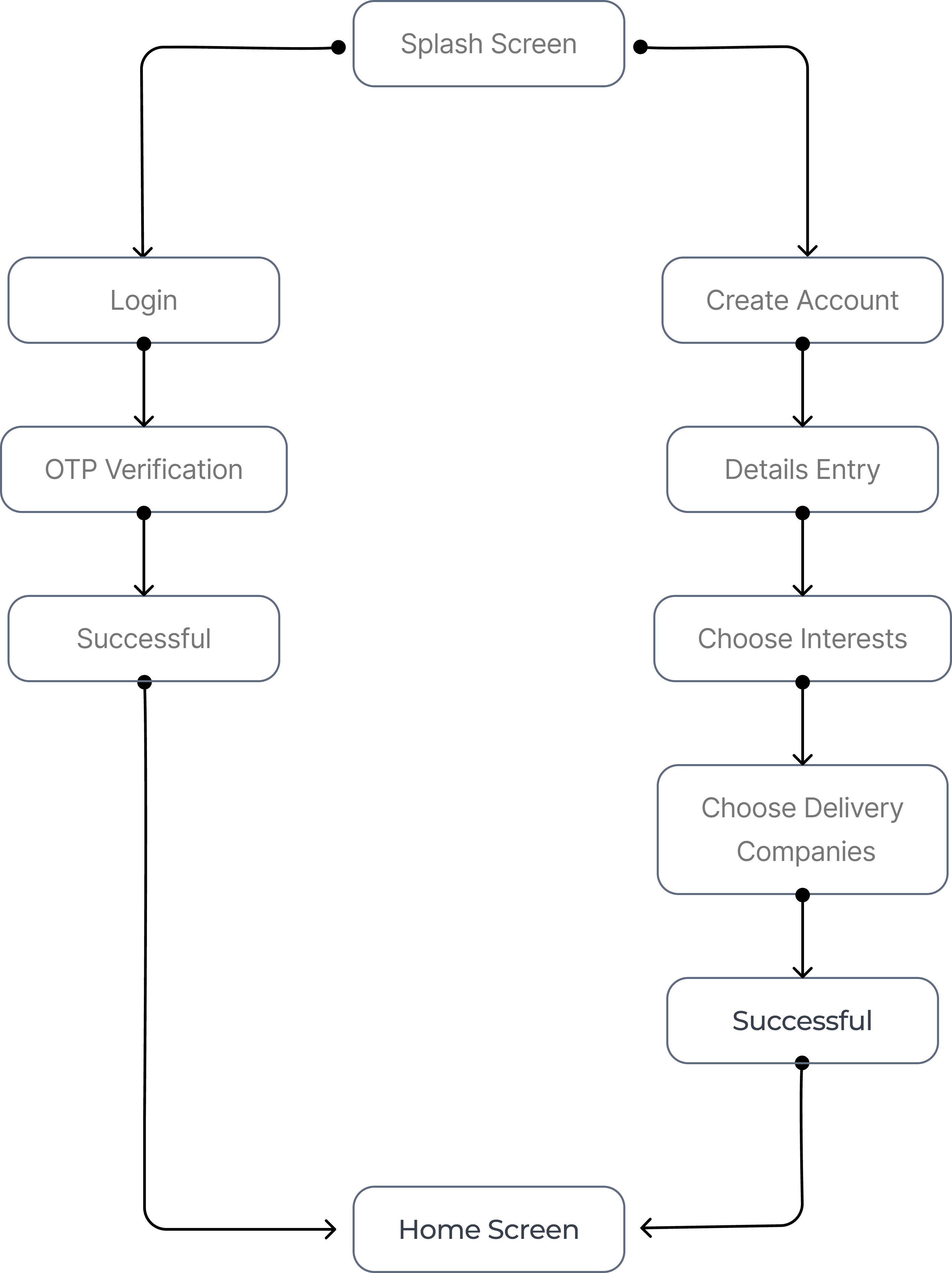
Task Flow 1
User Login & Onboarding Process
Task Flow 2
Uploading a Product
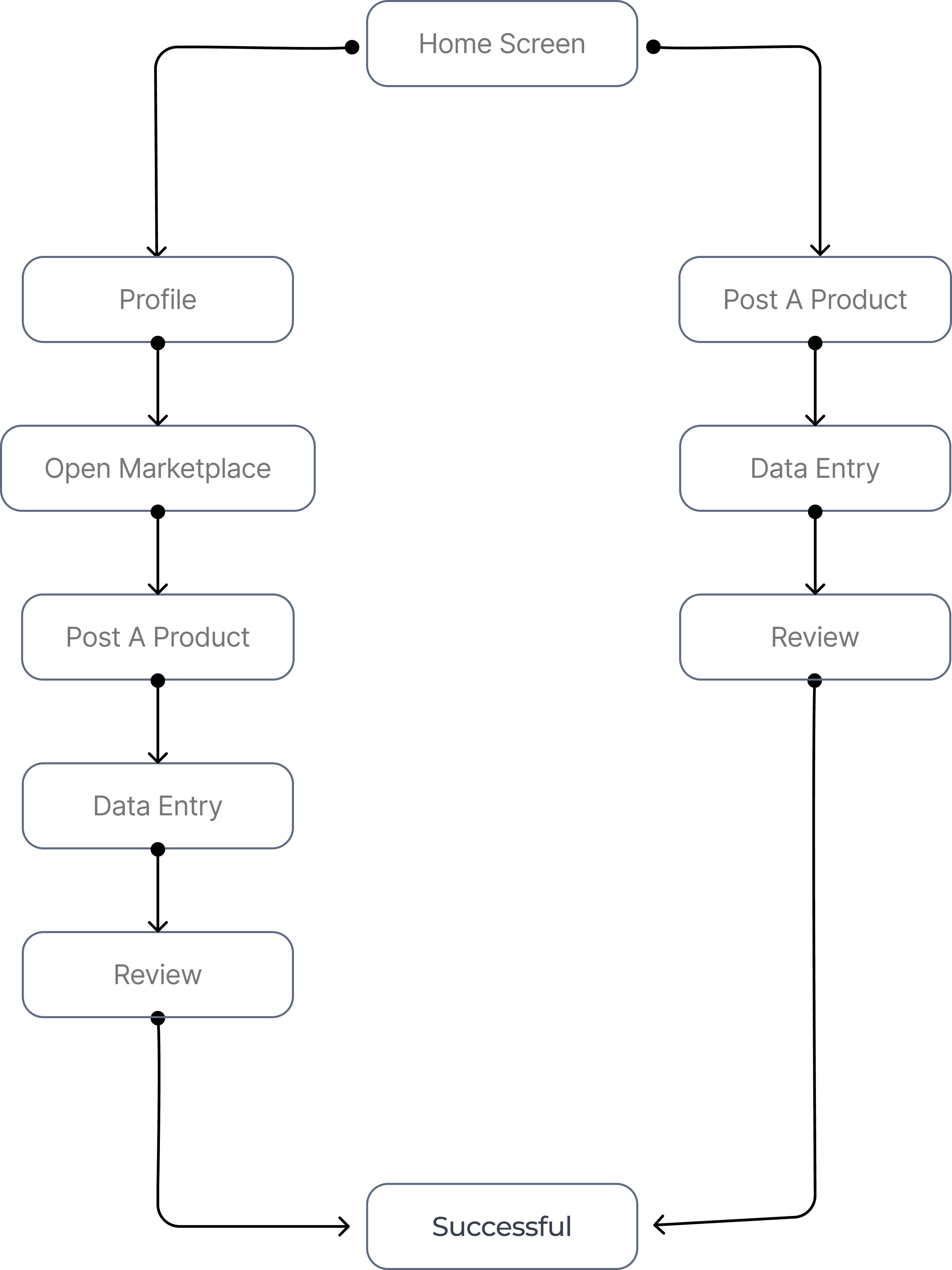
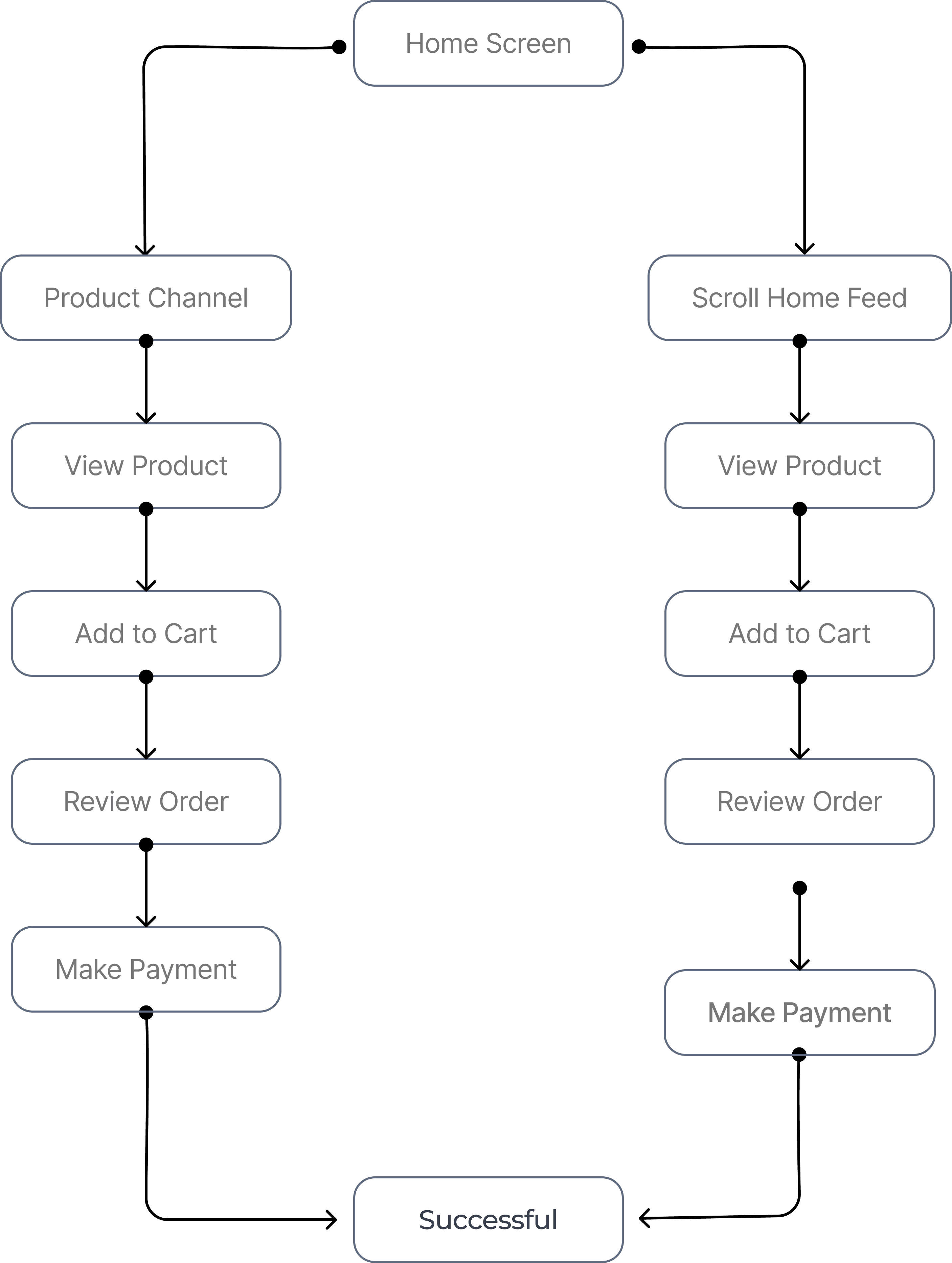
Task Flow 3
Purchase a Product
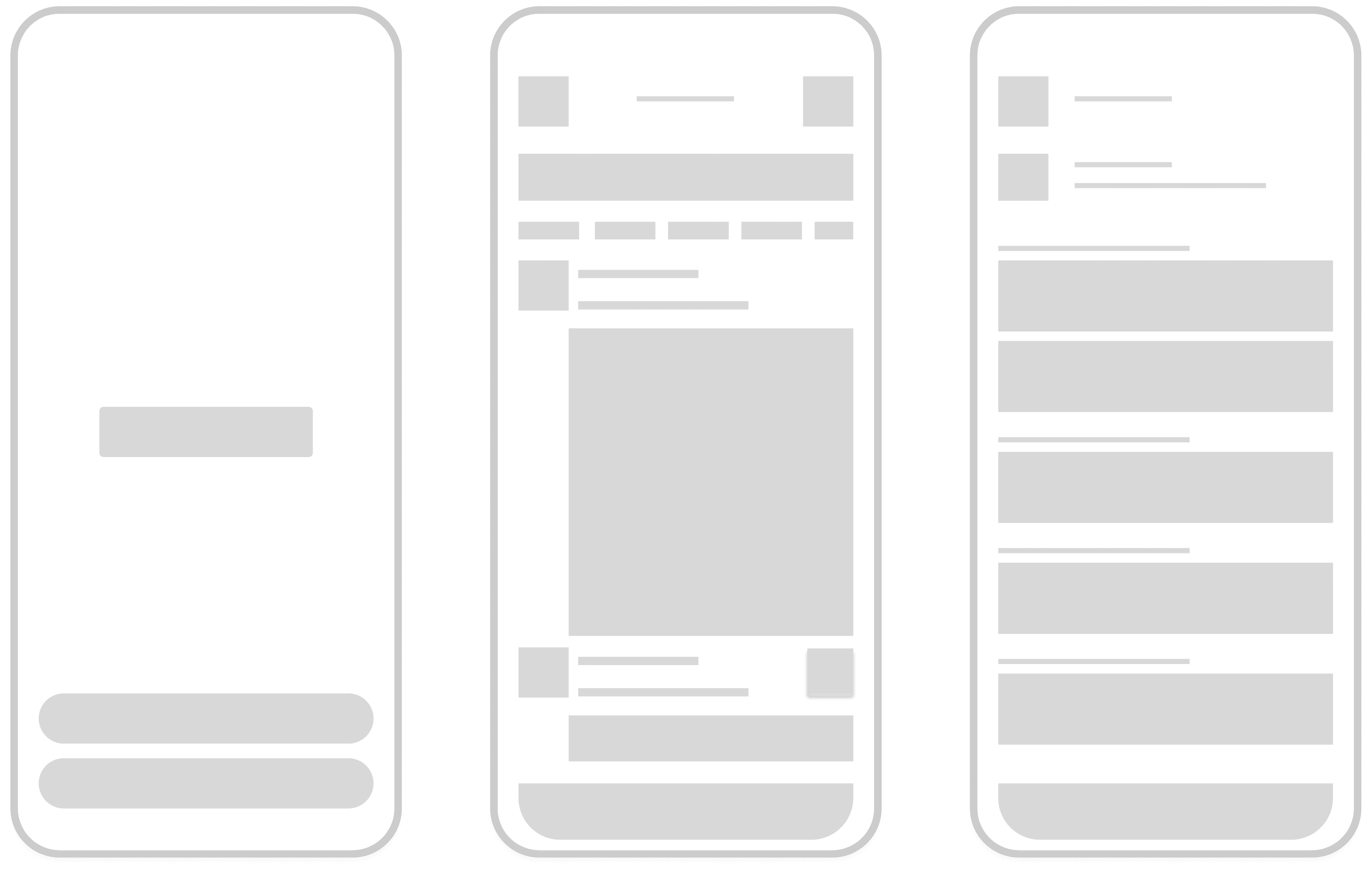
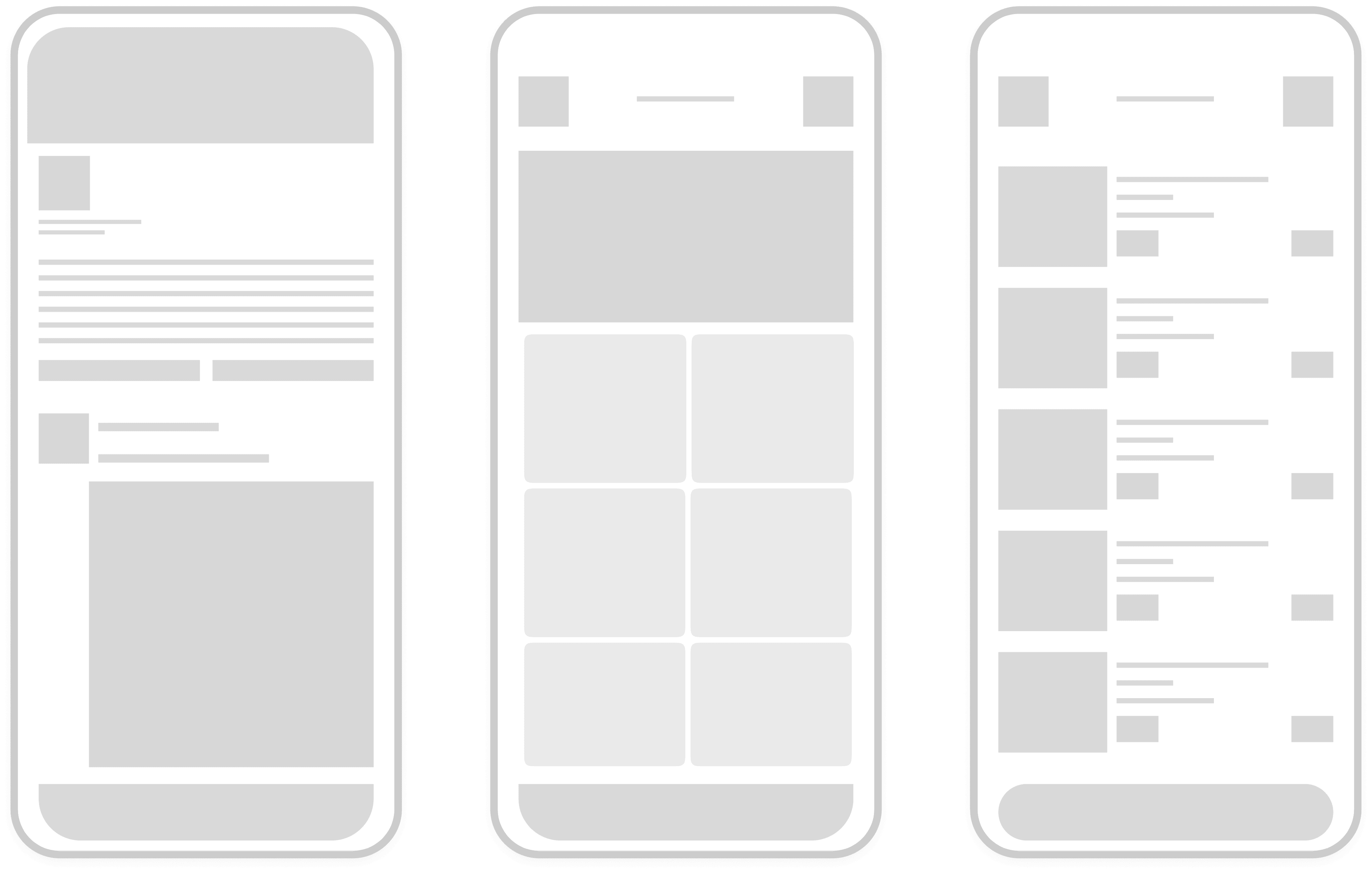
Sketches/Low-fidelity Wireframes
Onboarding Screens
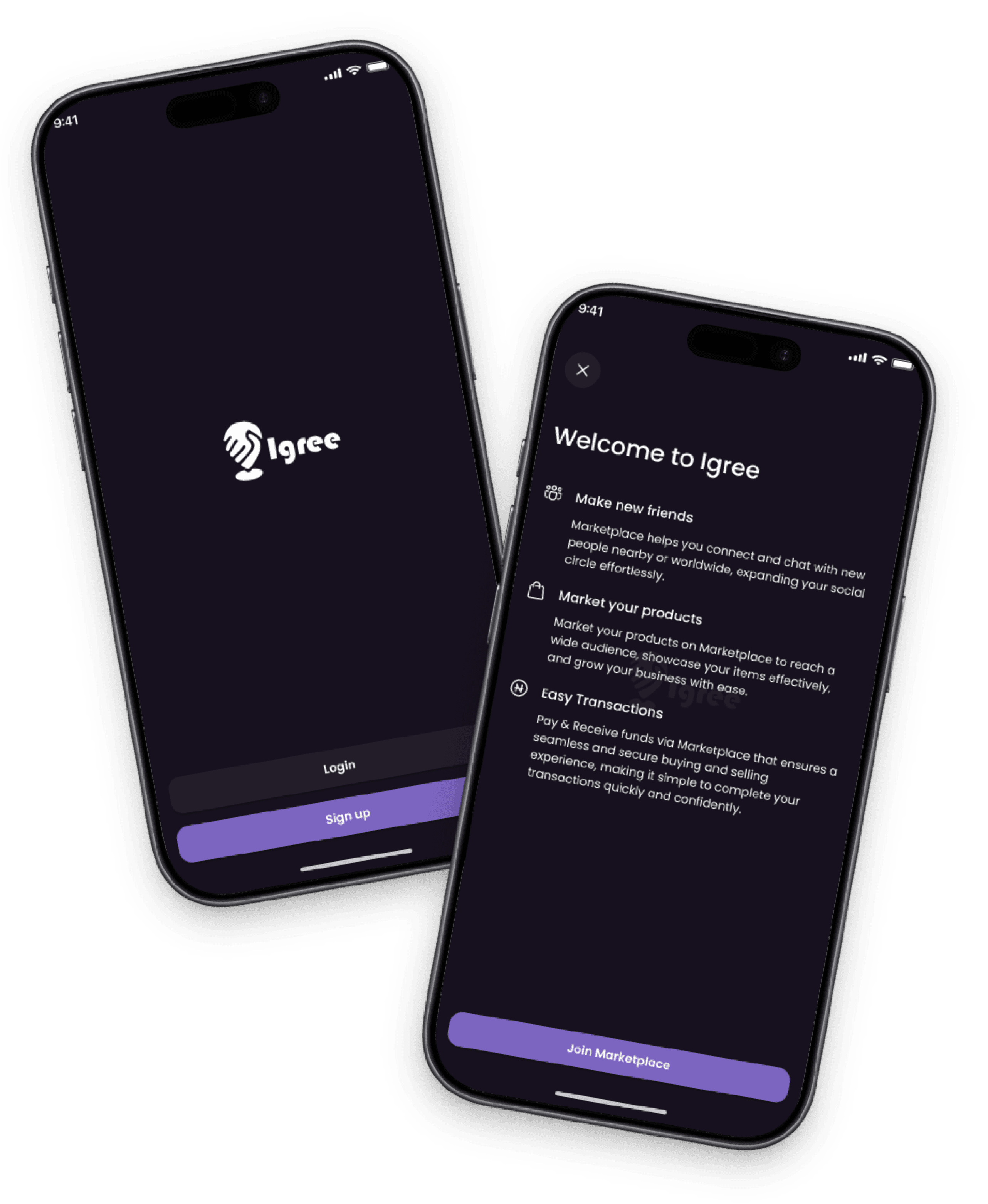
1
Splash Screen
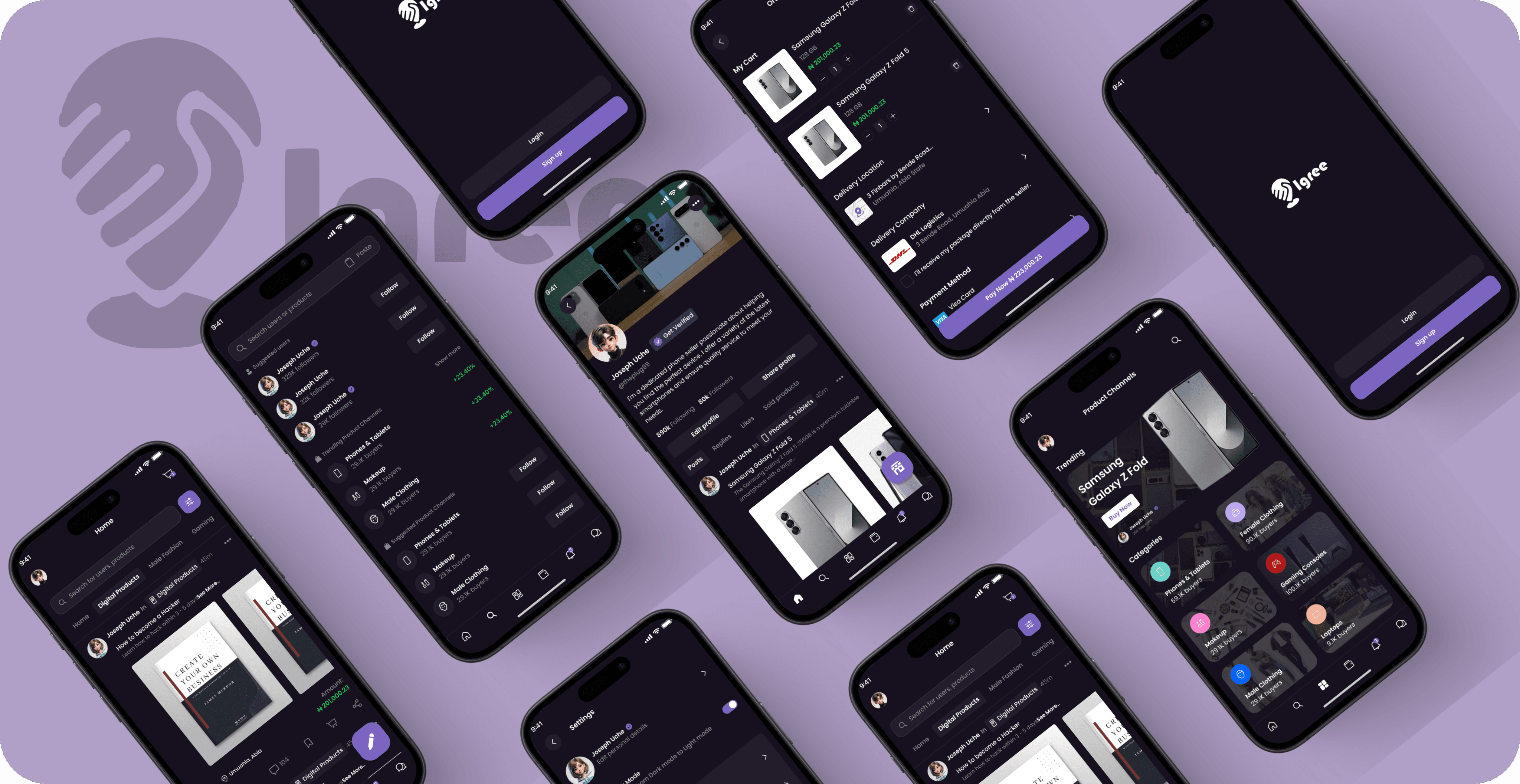
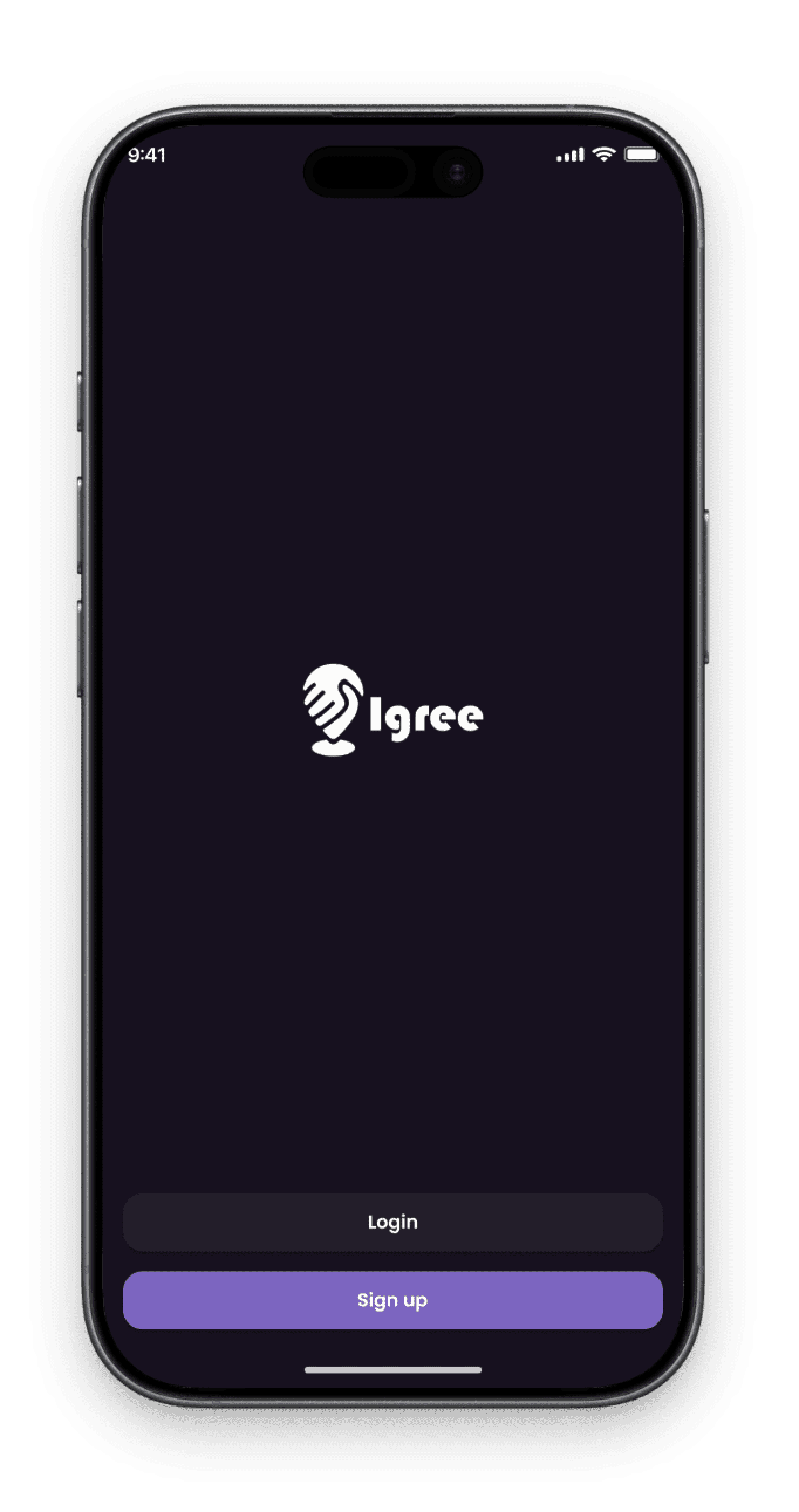
The Igree splash screen features a modern design with a centered logo and "Log In" and "Sign Up" buttons, creating an inviting and professional first impression that introduces users to the app's social and e-commerce features.
2
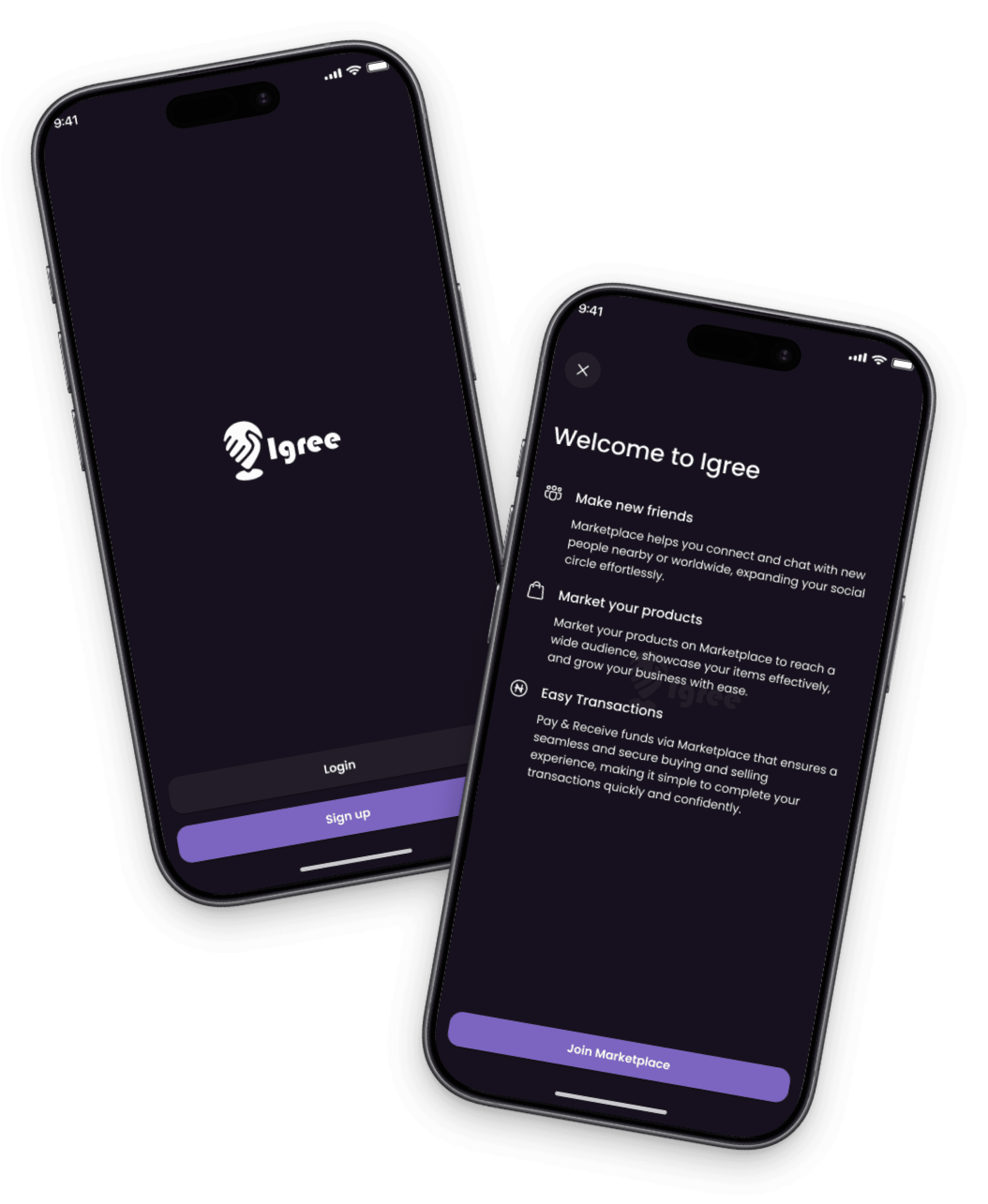
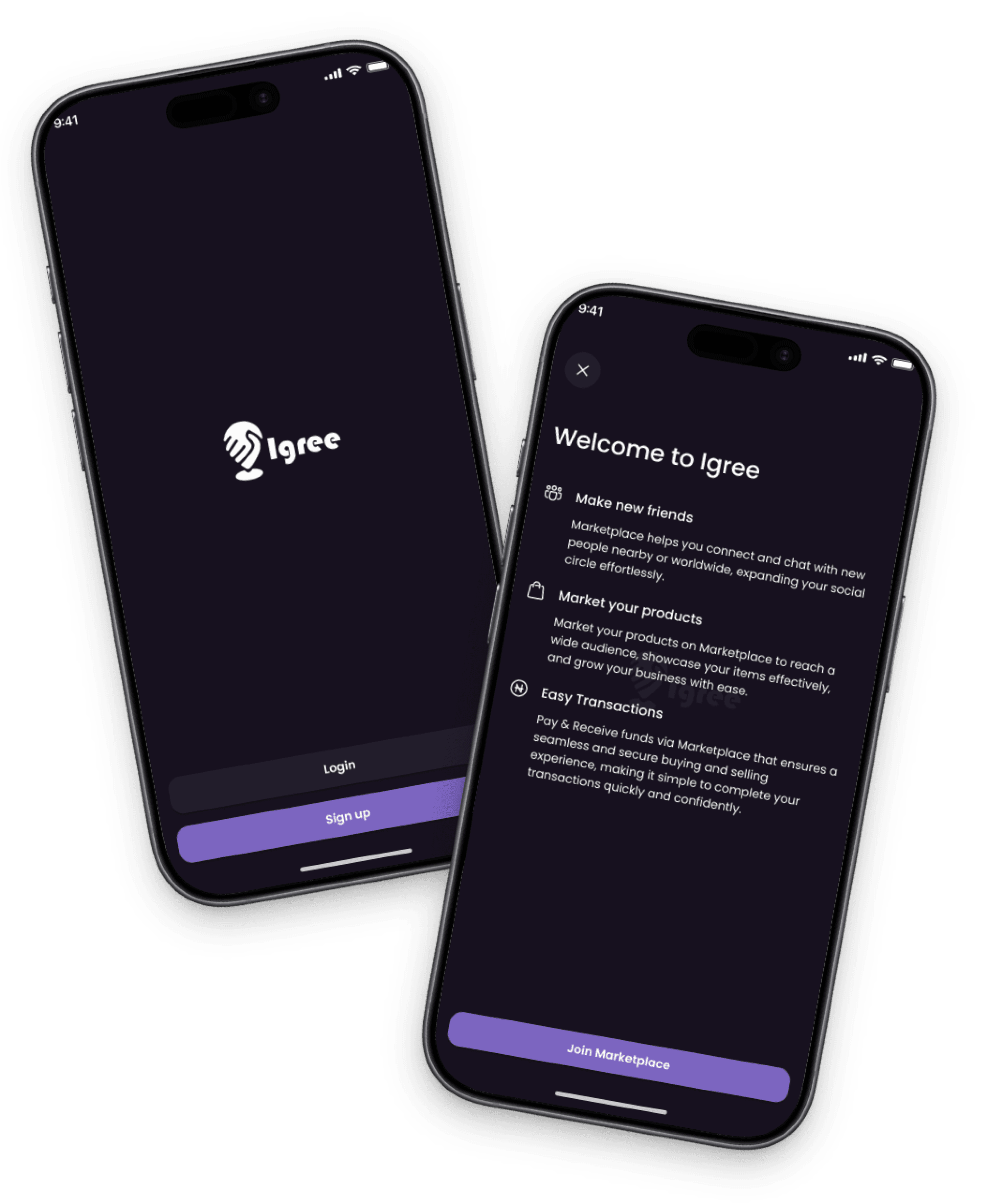
Welcome Screen
The Welcome screen introduces users to making friends, showcasing products, and enjoying easy, secure transactions, emphasizing a user-friendly experience centered on connection and
e commerce.
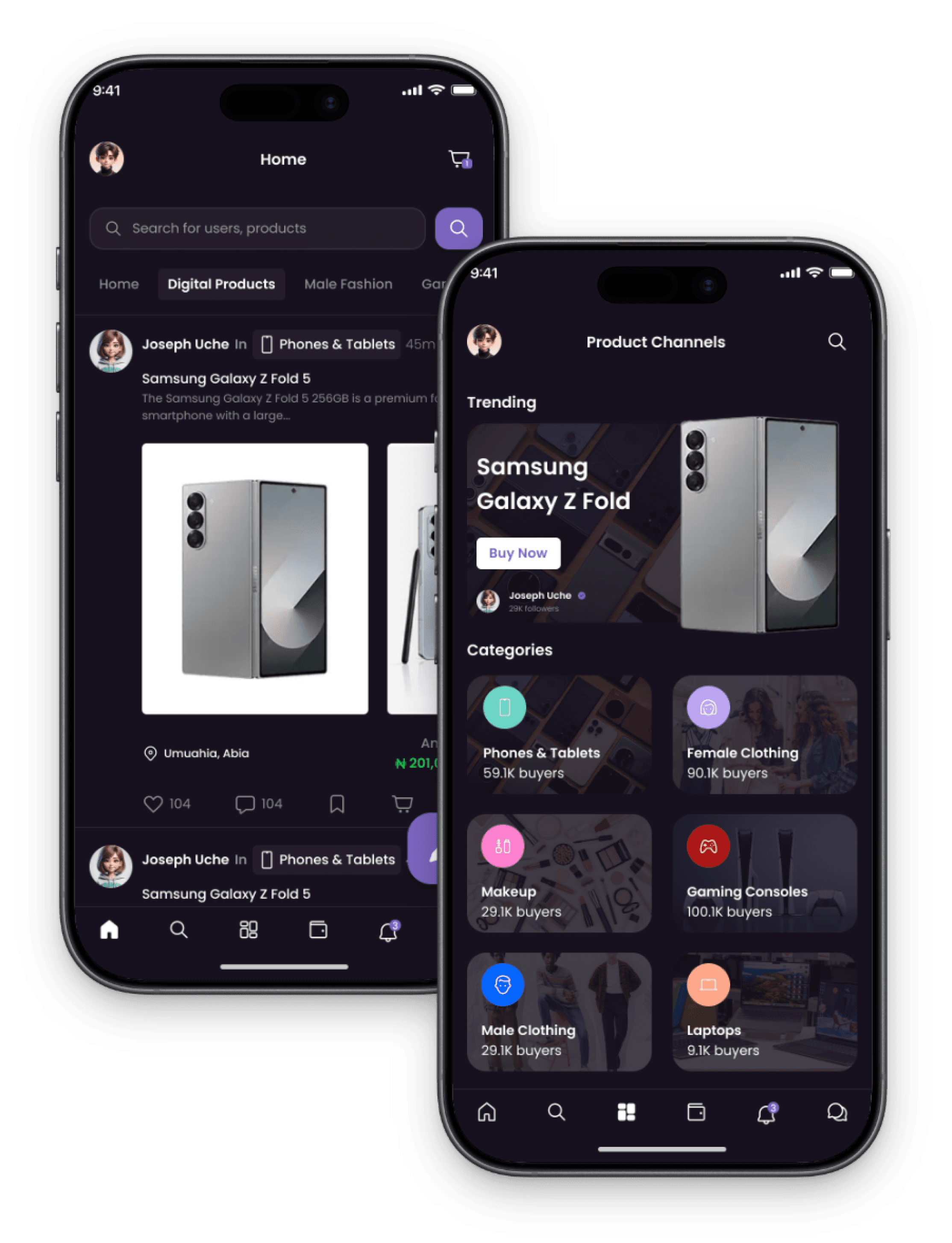
Home Screen & Product Channels Screen
1
Home Screen
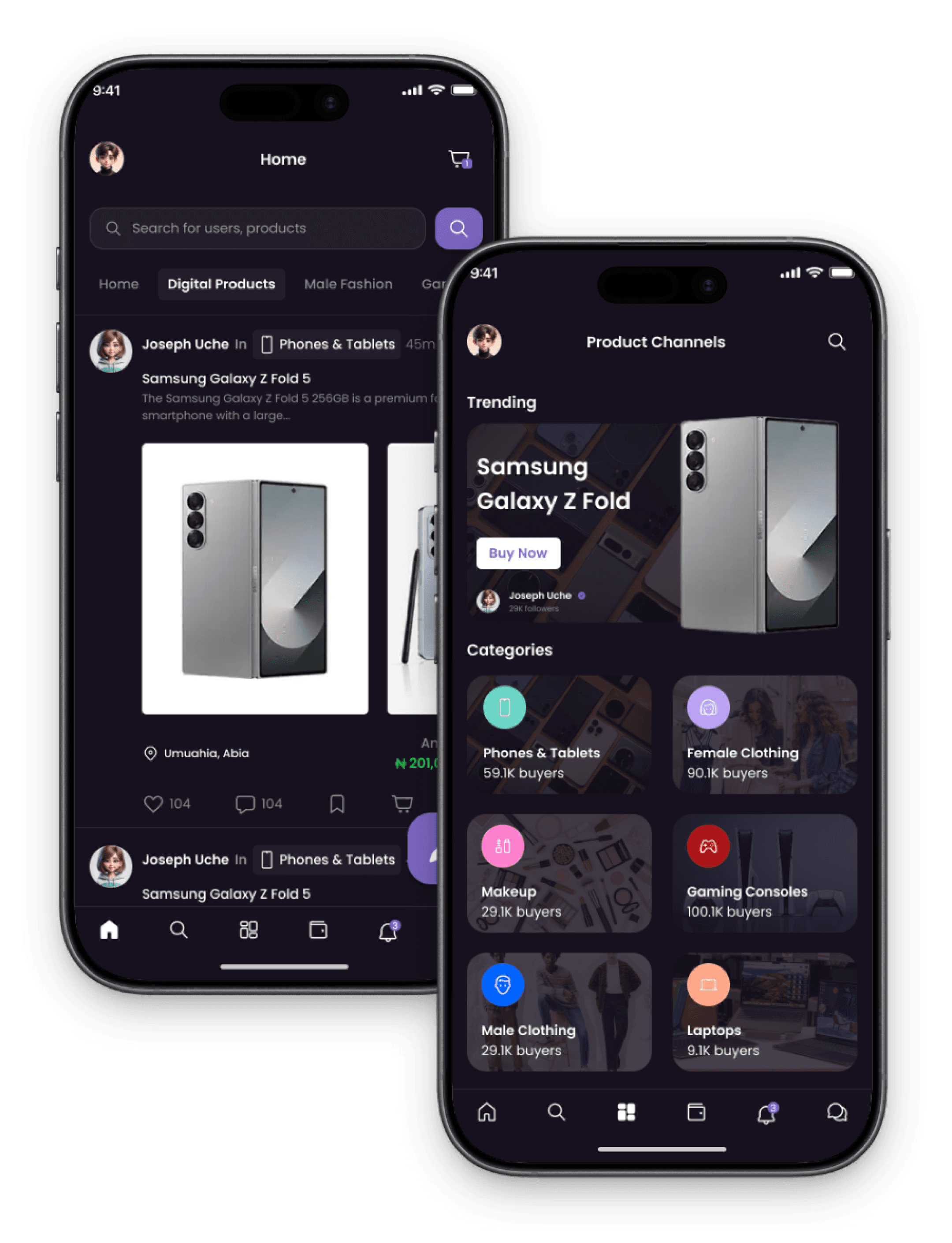
The Igree home screen offers a vibrant, user-friendly interface for browsing feeds, updates, and products, with easy navigation to marketplace and trending items, promoting seamless interaction and community connection.
2
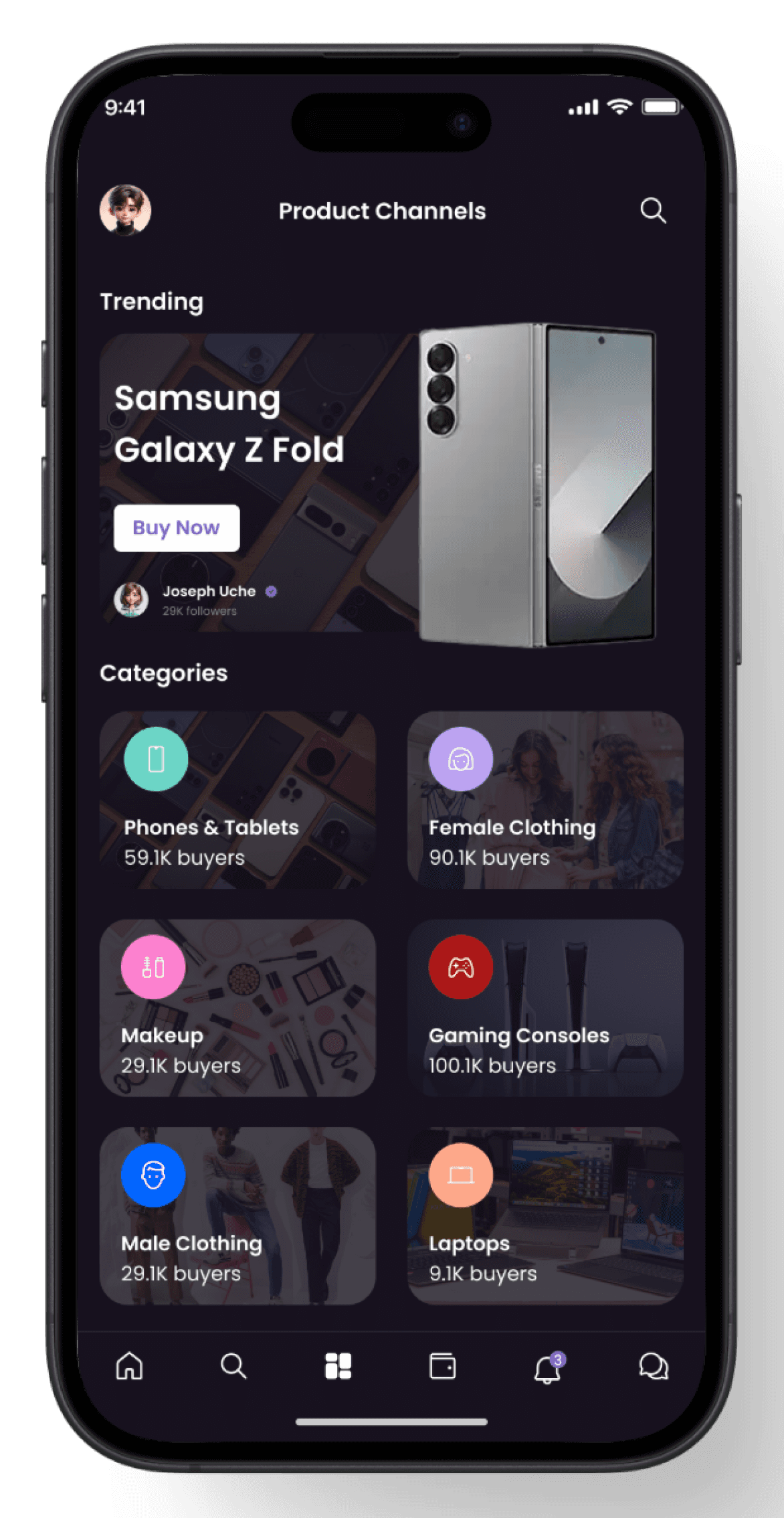
Product Channels Screen
The Igree product channels screen organizes product categories into tabs enabling easy browsing and quick navigation with visual thumbnails and labels.
Order details screen & Order Successful Screens
1
Order details Screen
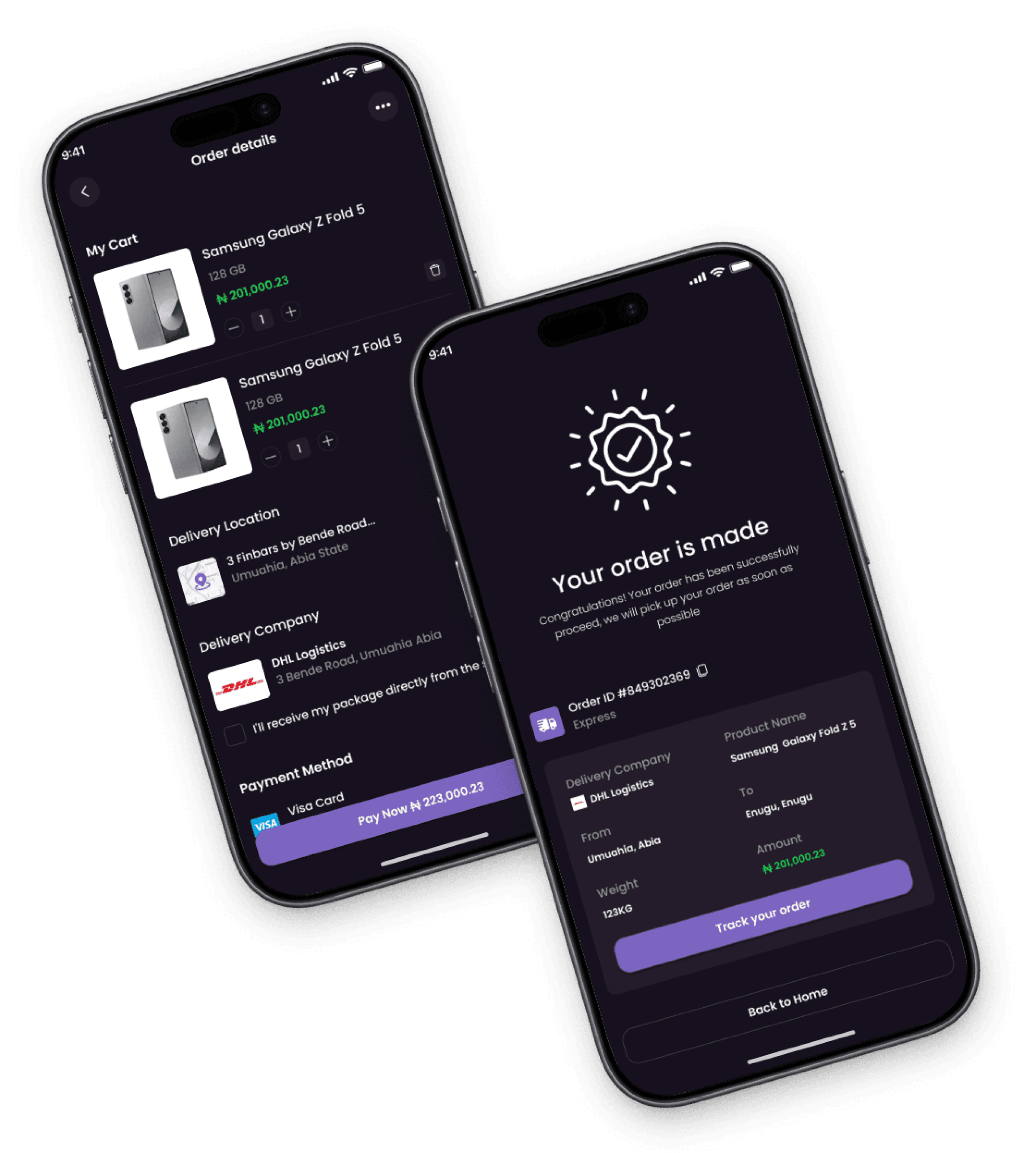
The Igree order details screen shows the purchase summary, items, prices, delivery info, and status, with options to track, modify, or contact support in a clear layout.
2
Order Successful Screen
The Igree Order Successful screen confirms a completed purchase, showing a congratulatory message, order details, and delivery info, with options to view the order, continue shopping, or track product.
Track Order & Tracking Order Screens
1
Track Order Screen
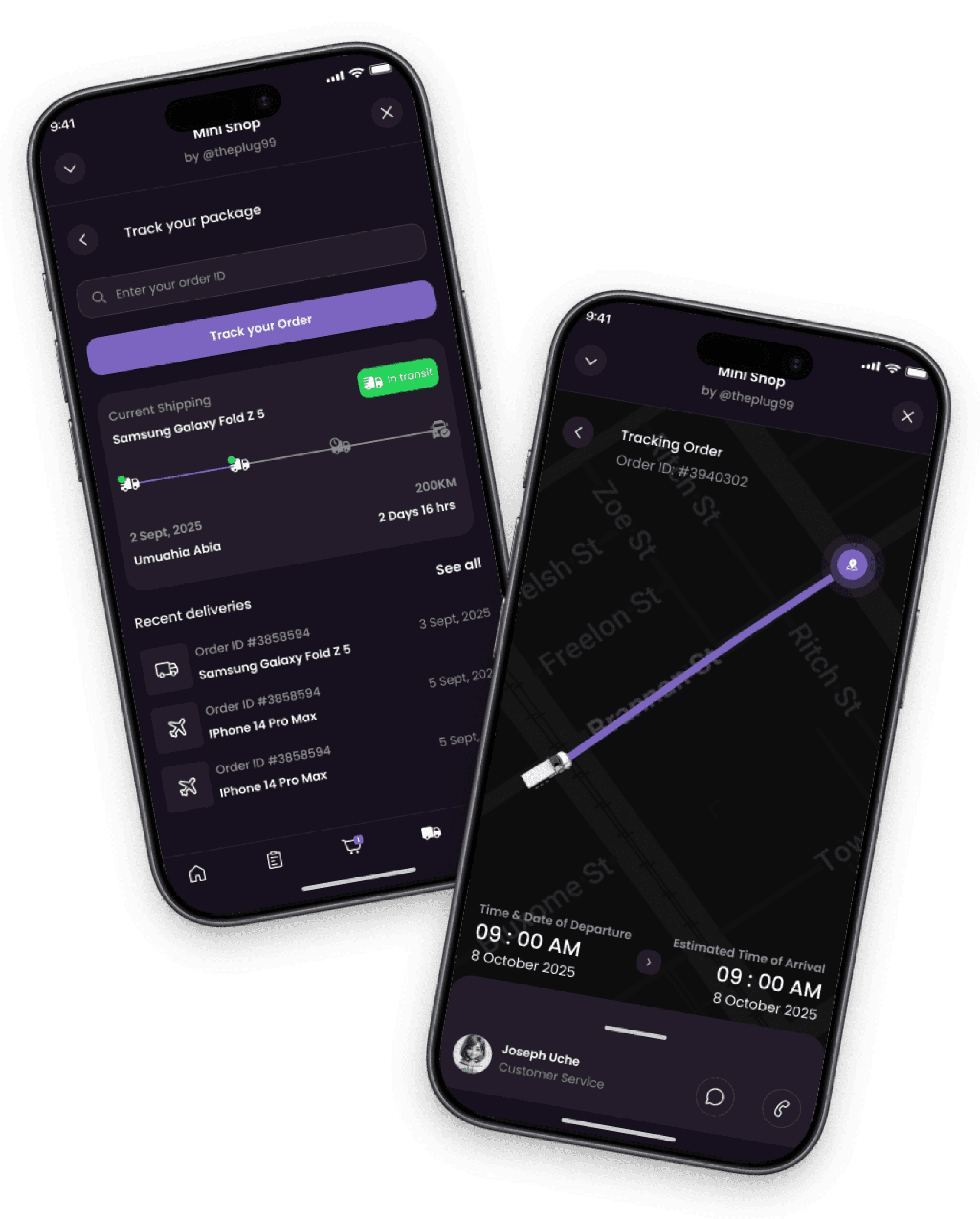
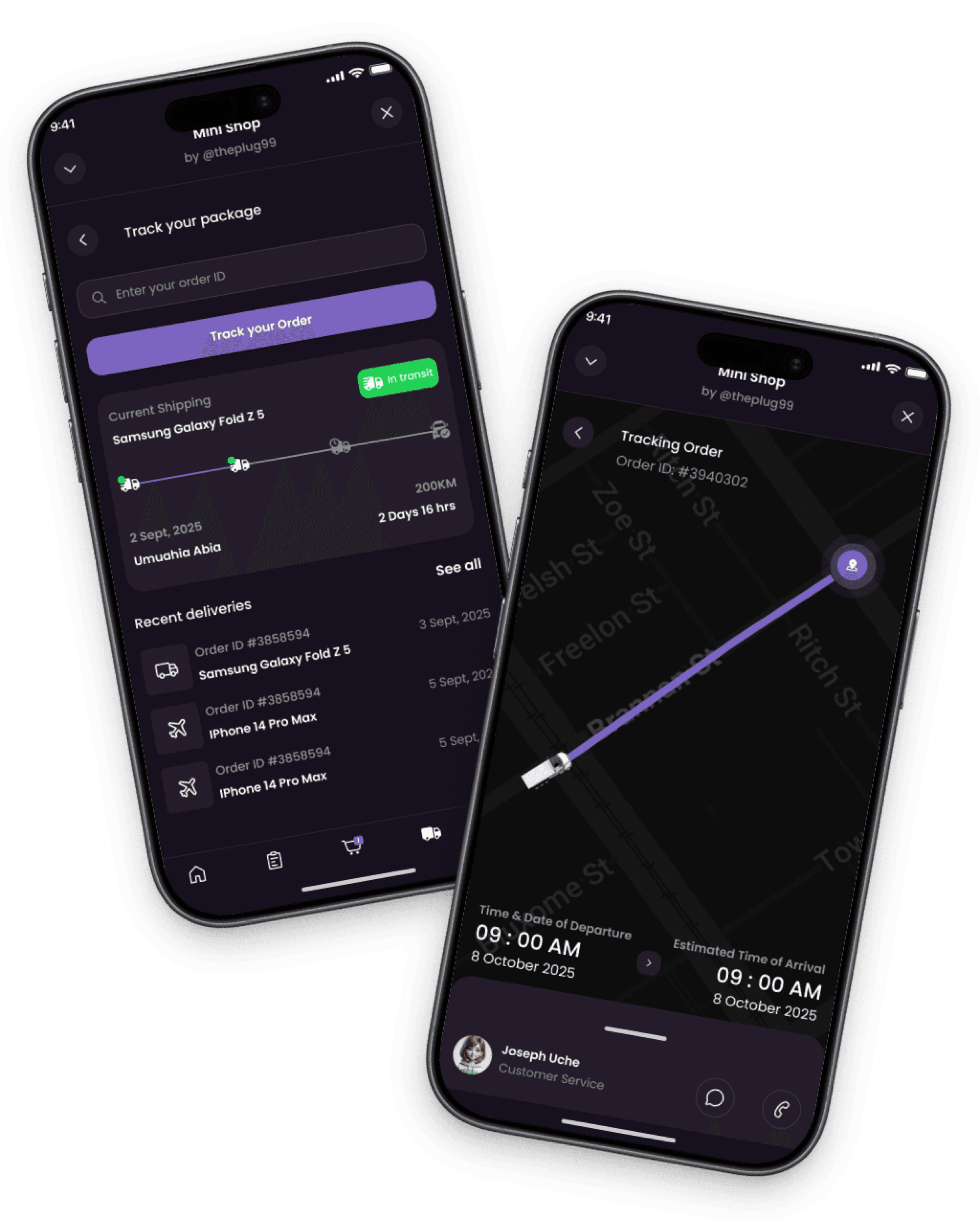
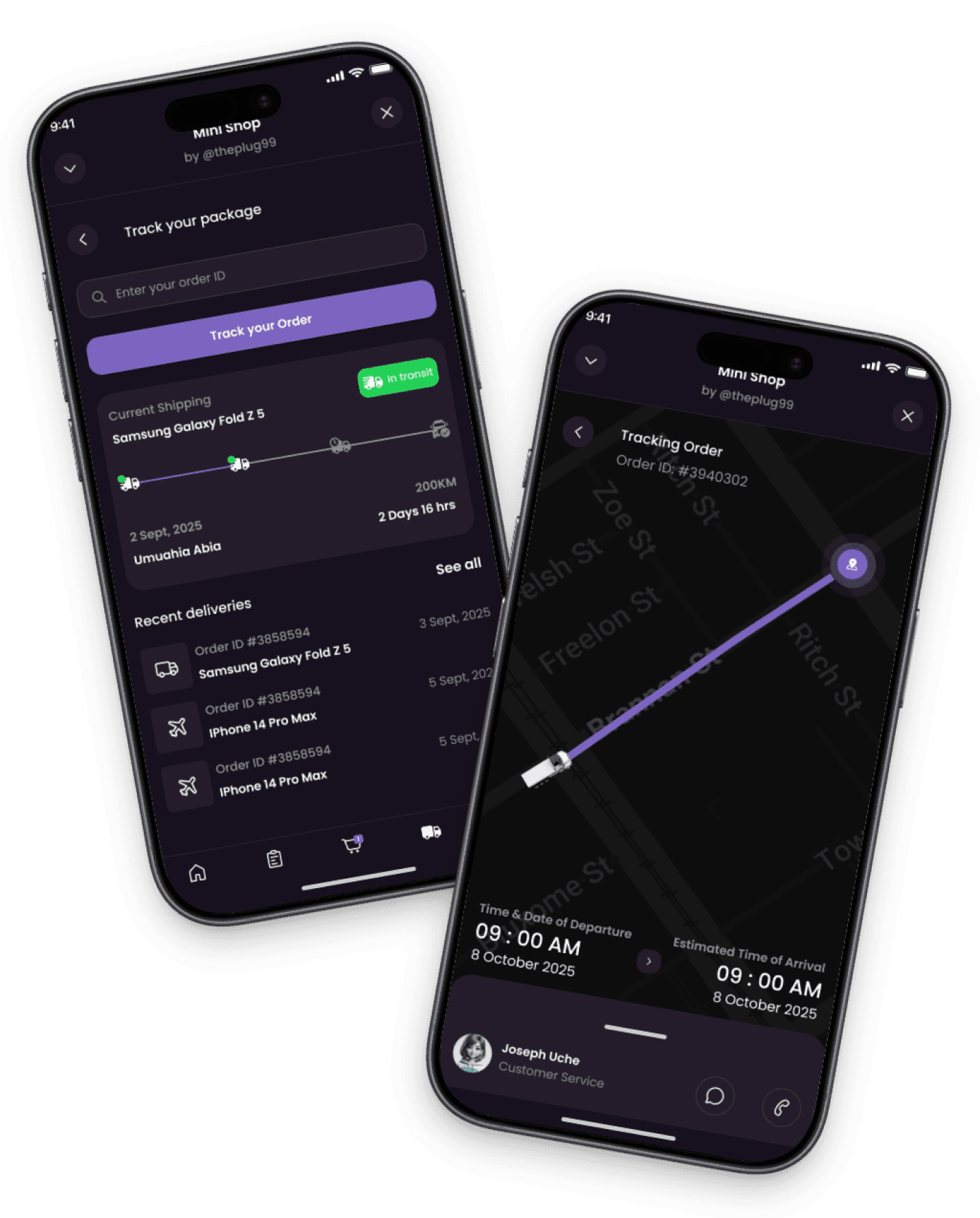
This screen gives an overview of current orders with details; order number, status, and real-time updates on processing and delivery.
2
Tracking Order Screen
This screen provides a detailed timeline of the shipment's progress, including location tracking and notifications about delays.
Other High Fidelity Screens
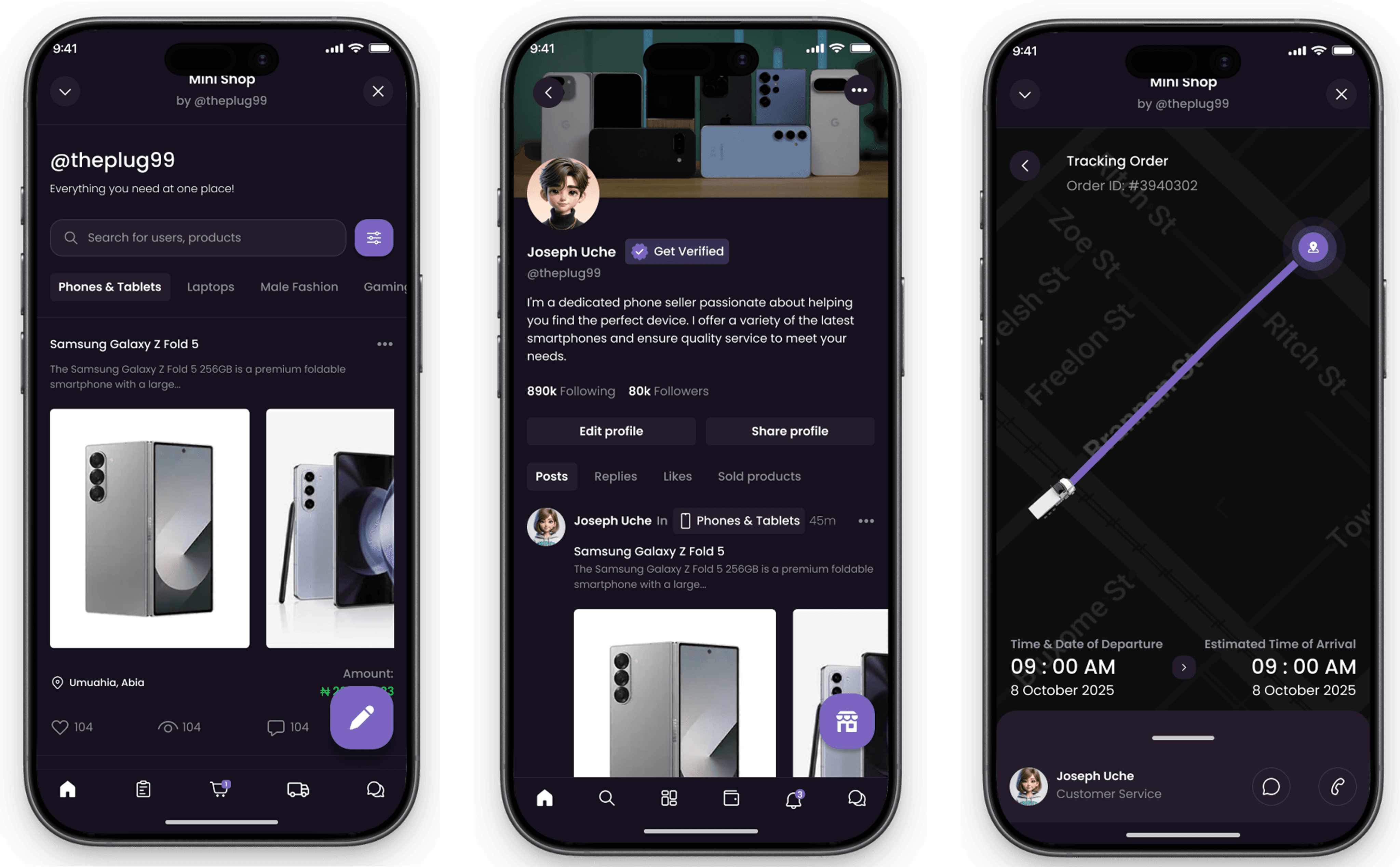
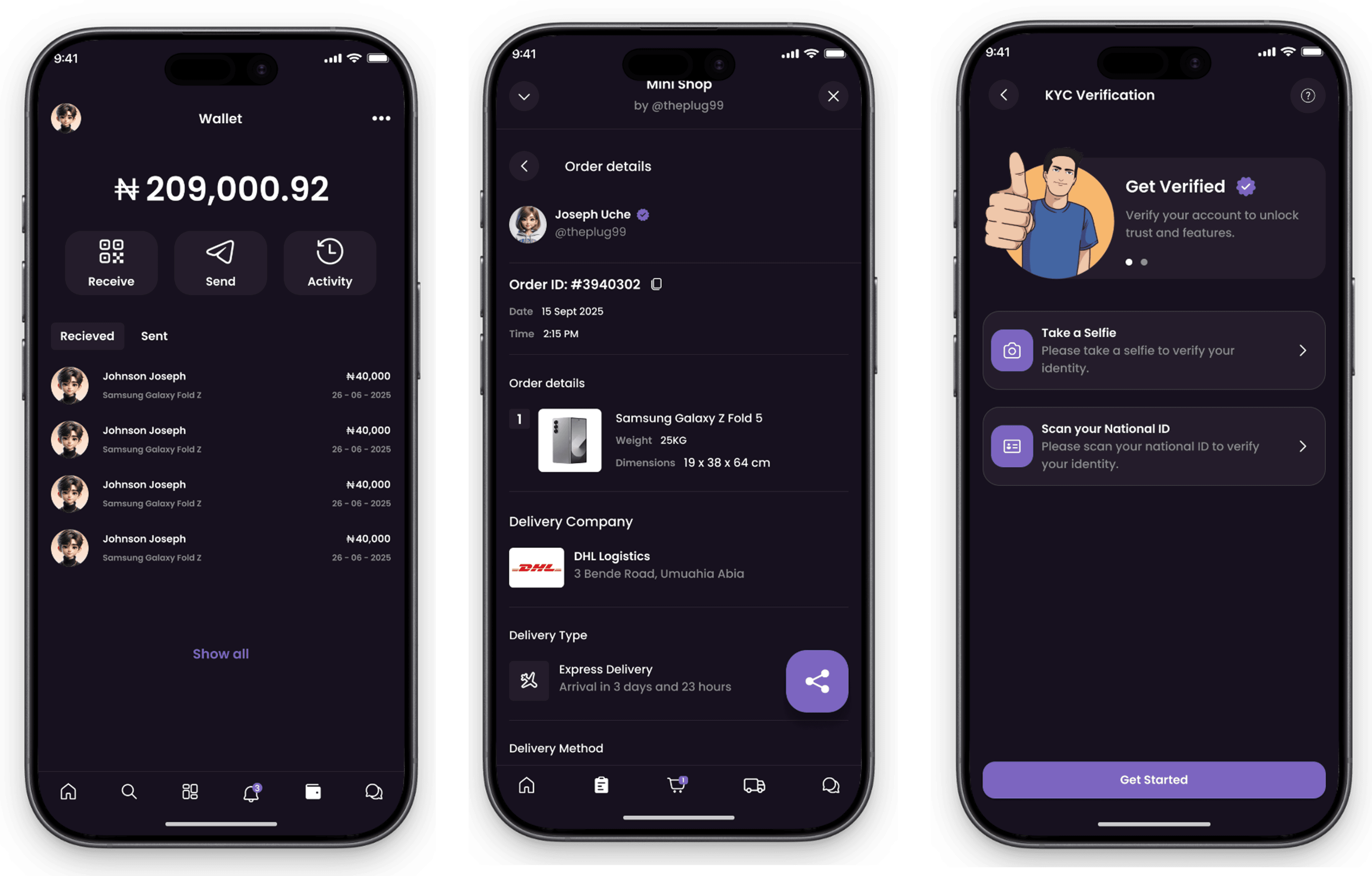
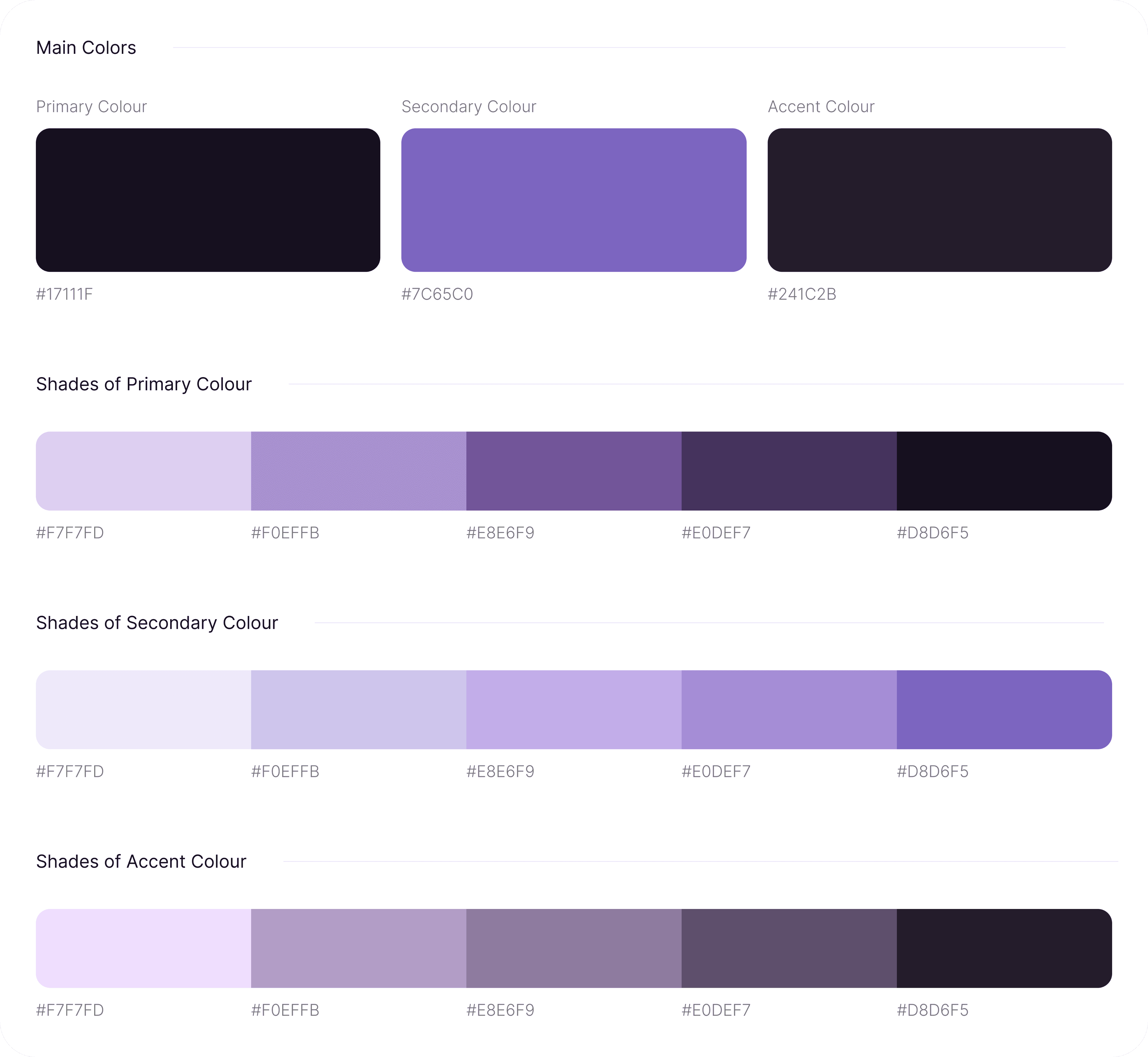
Style Guide
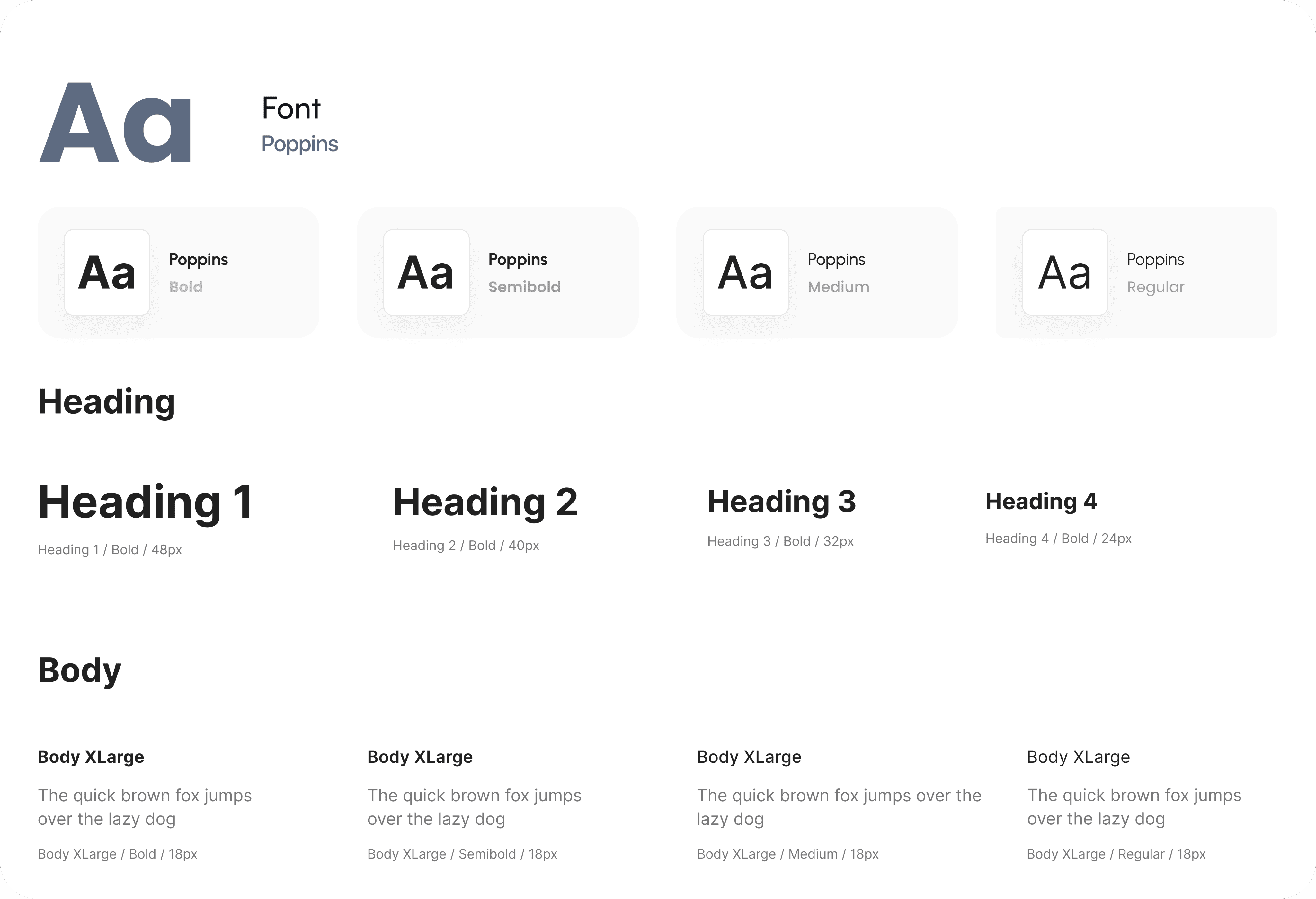
Typography
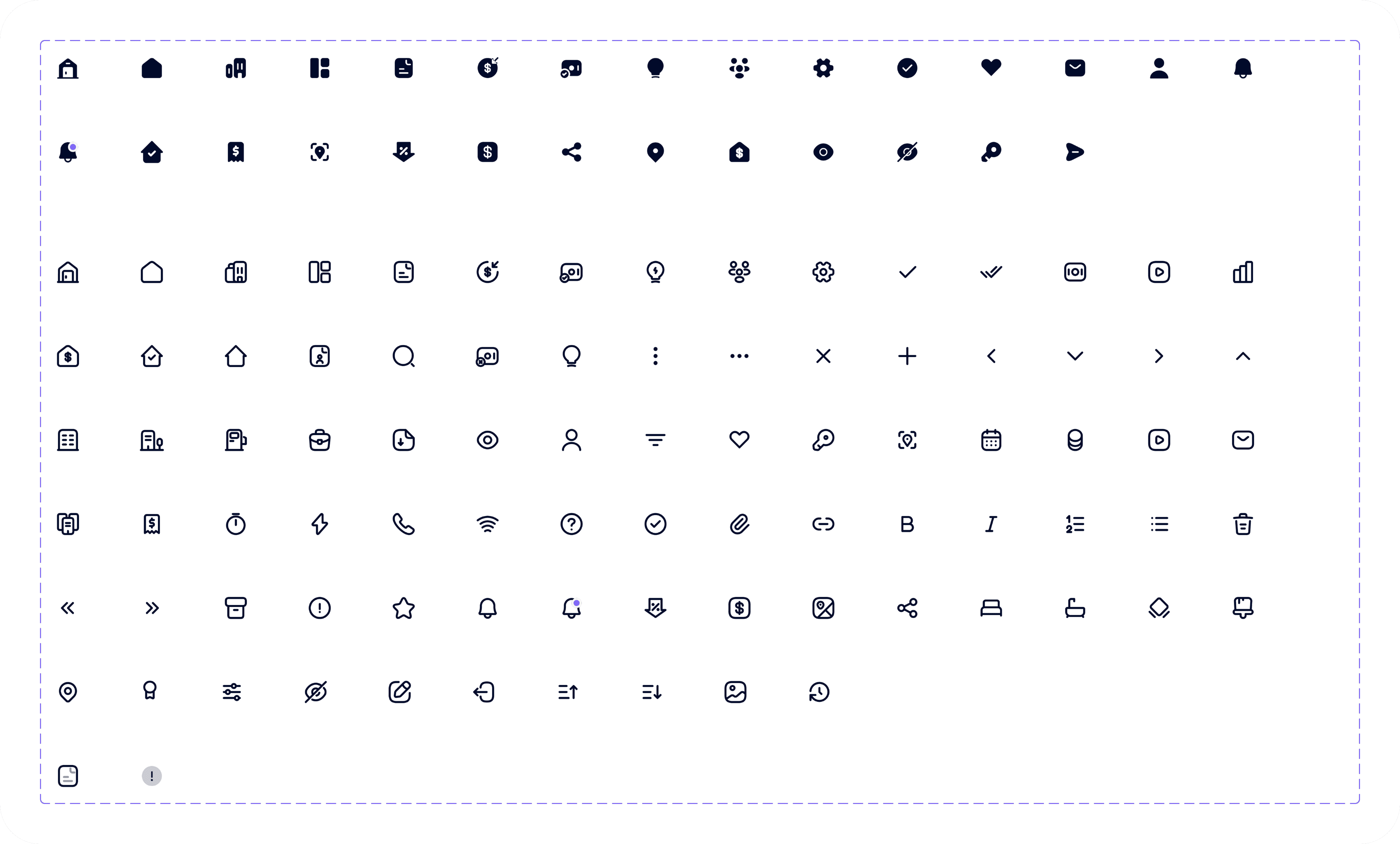
Iconography
Proven Results
The design and implementation of the Igree Social E-Commerce App successfully created an intuitive platform that enhances user experience by enabling seamless browsing, ordering, and tracking of products within the mobile application. The app's features, including the Track Order and provide real-time updates and detailed shipment progress, ensuring users stay informed about their purchases. The user-friendly interface and efficient order management system have resulted in improved customer engagement and satisfaction, positioning Igree as a reliable and innovative social commerce solution.